Add Google Drive Support to Your Superblocks App
Enable seamless Google Drive integration with your Weavy Files component. Users can browse, select, and manage files directly from Google Drive within your Superblocks app.
Prerequisites
You will need:
- A Superblocks account with admin rights
- A Superblocks app with installed Weavy components (see Add to Your App)
Step 1: Add Weavy Files Component
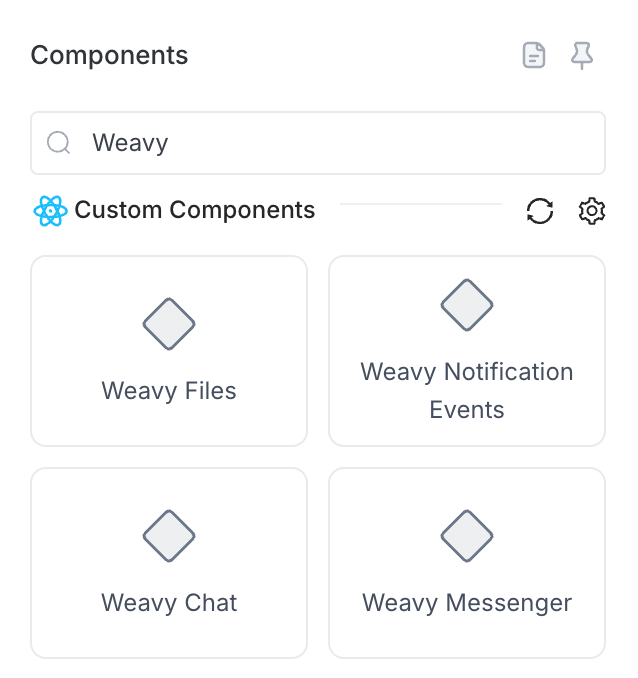
- Open the Add components panel in your Superblocks app editor
- Locate the Weavy Files component
- Drag it onto your page canvas
Step 2: Done!
The Weavy Files component automatically includes Google Drive support out of the box. The component loads instantly and is fully operational.
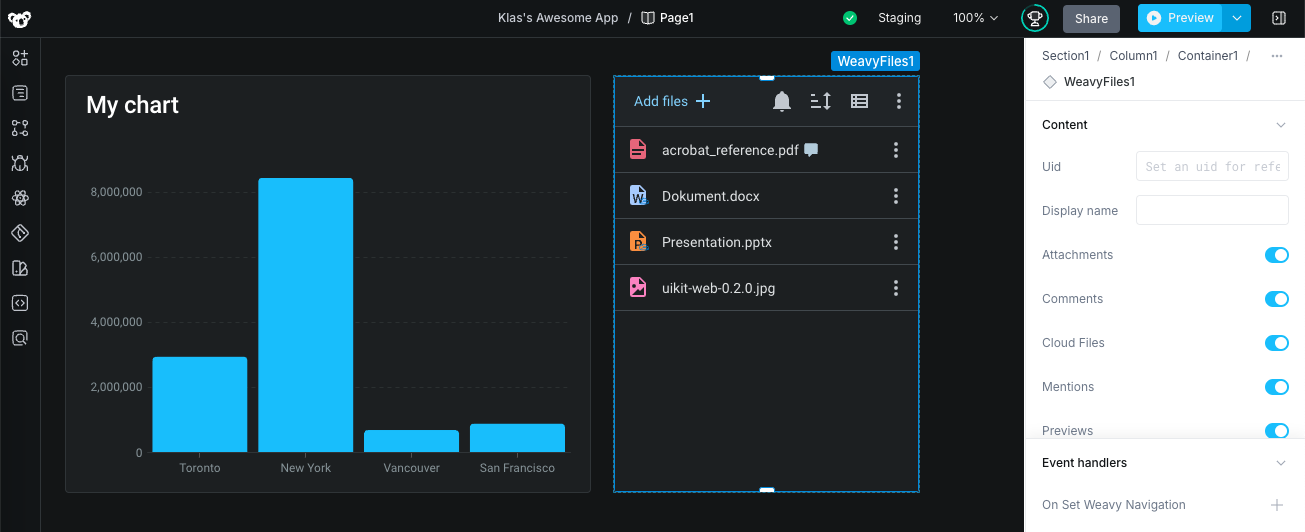
Users can now:
- Access Google Drive files directly from your app
- Browse and manage their Google Drive content
- Integrate Google Drive with your file storage workflow
- Collaborate on files seamlessly
Note: Google Drive support is built-in to the Weavy Files component and requires no additional configuration. If you see an endless spinner after adding the component, simply refresh the edit page to retrigger the page on-load.