Add Group Chat to Your Superblocks App
Enable real-time group chat conversations in your Superblocks application using the Weavy Chat component. Users can collaborate in context-specific chat rooms.
Prerequisites
You will need:
- A Superblocks account with admin rights
- A Superblocks app with installed Weavy components (see Add to Your App)
Step 1: Add the Weavy Chat Component
- Open the Add components panel in your Superblocks app editor
- Locate the Weavy Chat component
- Drag it onto your page canvas
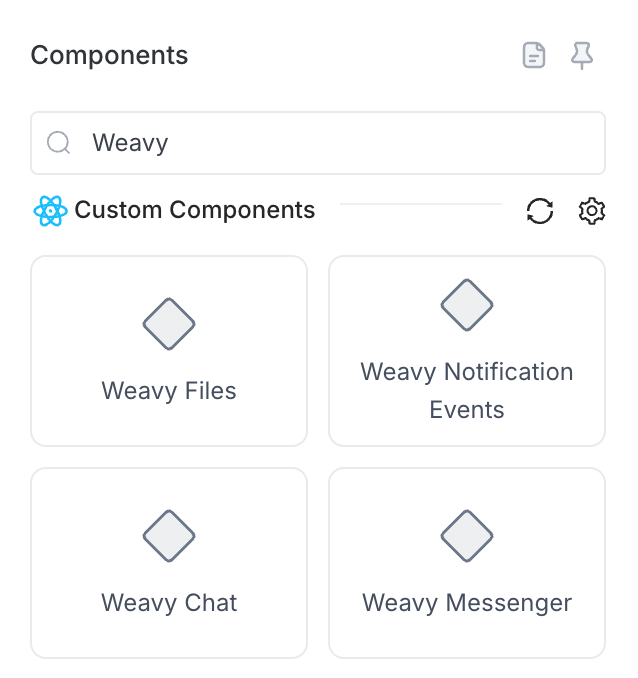
Step 2: Configure Chat Properties
Select the Weavy Chat component and set the following properties in the side panel:
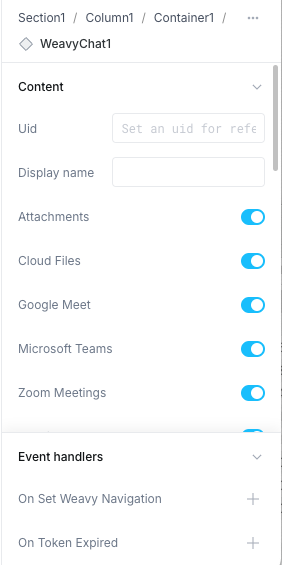
Uid (Unique identifier for the chat context):
customer-chat-{{Table1.selectedRowIndex}}
Display name (Human-readable title):
{{Table1.selectedRow.name}} Chat
Event Handlers:
On Token Expired
- Action: Run API
- API:
GetWeavyToken
On Set Weavy Navigation
- Action: Trigger event
- Event:
setPageNavigation - Bind
uidto:WeavyChat1.uid
Note: If no uid is provided, one will be auto-generated. You can view the auto-generated uid in the component state.
Step 3: Done!
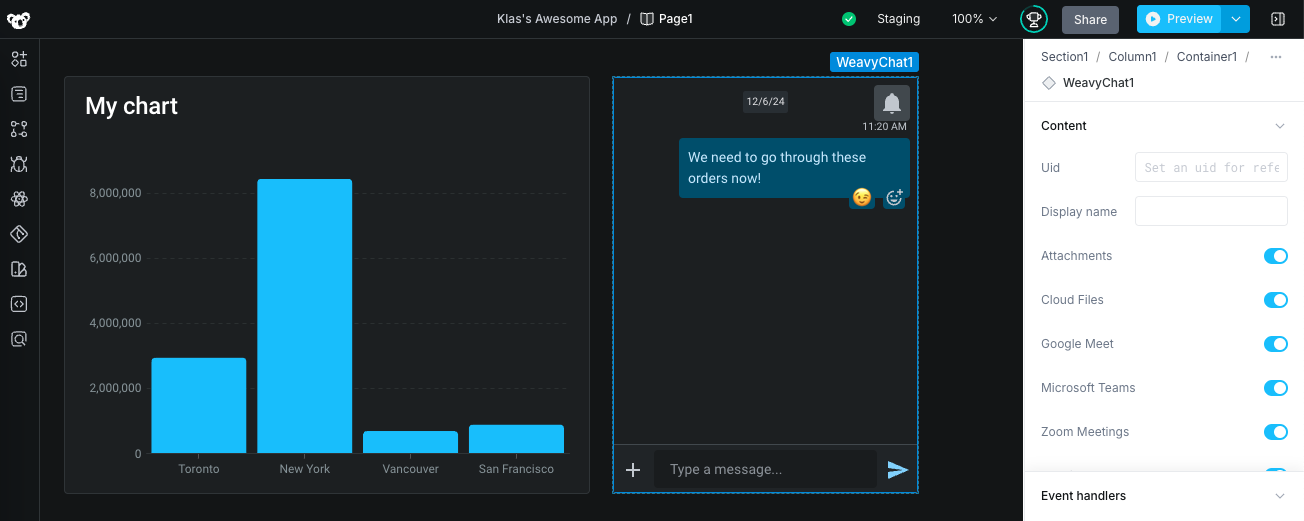
Your chat component is now ready to use. Users can instantly start collaborating in context-specific chat rooms. The chat loads instantly and supports all Weavy notification features for real-time updates.
Tip: Connect the
setPageNavigationevent to enable click-through navigation from notifications back to this component.